

Vibe Coding a Chrome Extension vs Vibing with PixieBrix

You had a simple idea. You wanted to click a button in your browser and send whatever page you're looking at to a Slack channel.
That's it. That's the whole thing. And the promise with Vibe Coding is that you just type this out and boom it's there!
But in reality... 45 minutes later, you're reading the Slack API documentation, setting up an app in a developer portal, generating tokens, and copying a webhook URL into a terminal, and arguing with a model about how "you're not working!" even though it's swear's it has fixed it this time.
This is what happens when you vibe code a Chrome extension. And it's worth talking about honestly, because the promise of vibe coding is real. Claude Code is genuinely impressive. But there's a gap between "AI can write this code" and "you can ship and maintain this thing," and that gap is bigger than it looks from the outside.
Here's a fair comparison of both paths.
The Use Case
Send the current page's title and URL to a Slack channel with one click. Simple enough, and useful. The kind of thing you'd actually want to use for escalating tickets or issues, sharing customer reviews your marketing team should look at, or even just sharing an interesting article you found.
I tried to build this two ways:
- Vibe coding with Claude Code — starting from a prompt in the terminal
- PixieBrix — using the AI mod builder
Path 1: Vibe Coding with Claude Code
The promise
Claude Code is a command-line tool from Anthropic that lets you build software by describing what you want in plain English. You type a prompt, it writes the code. For a lot of things, it works surprisingly well.
The prompt we used:
Build me a Chrome extension that sends the current page's title and URL to a Slack channel. Add a button to the browser toolbar. When I click it, it sends the page info to Slack and shows me a confirmation.
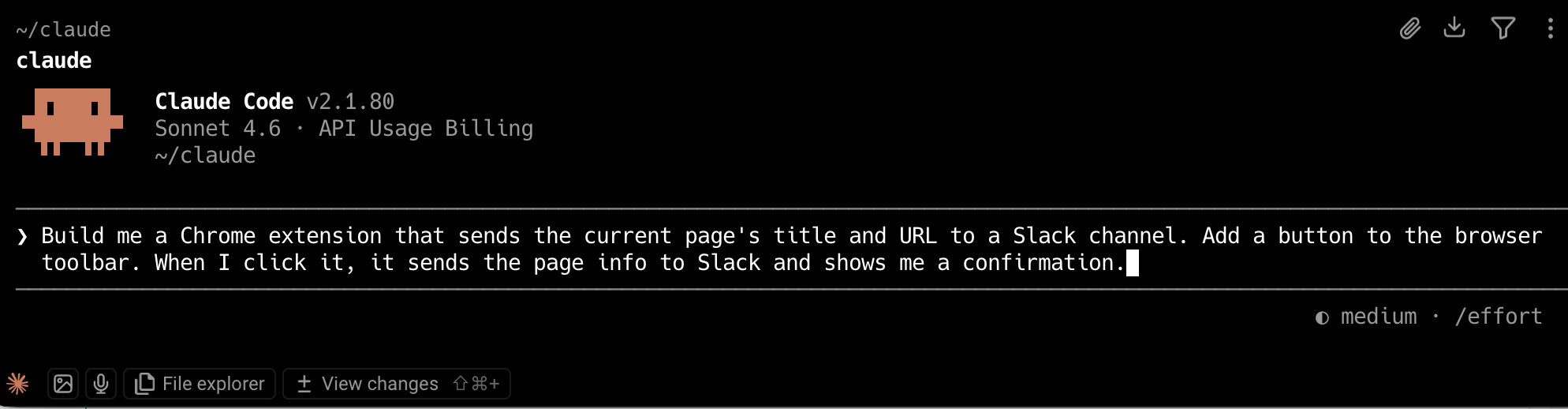
Claude Code got to work. It scaffolded a manifest file, a background script, a popup. The structure looked right.
Where it got complicated
It's spinning away doing it's thing... seems nice but then i start seeing python... for creating images? That sounds... unnecessary, bu tokay lets see.
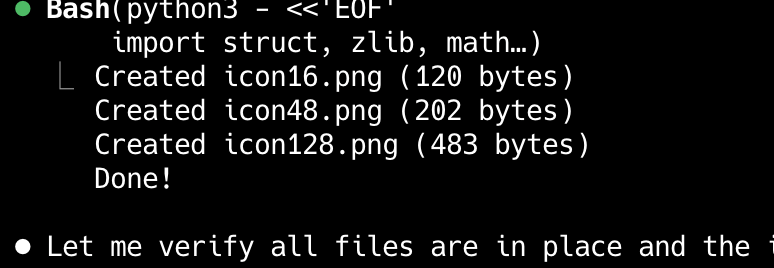
Claude gave me work to do??

Claude told me to go create an app in the Slack API portal, enable incoming webhooks, and grab the URL. That's not hard if you've done it before but it asks a lot of questions in that process which can be really confusing if you're new to this game. And if you're an automation tinkerer who's used Zapier or Make, you've never had to think about this. In those tools, Slack is just a tile you click and you "add this app". Here, you're registering a developer app.
Then came the errors. Chrome extension development has some specific quirks. The errors that come back in the console are often long, formatted in ways that look scary even when you're close to a working solution.
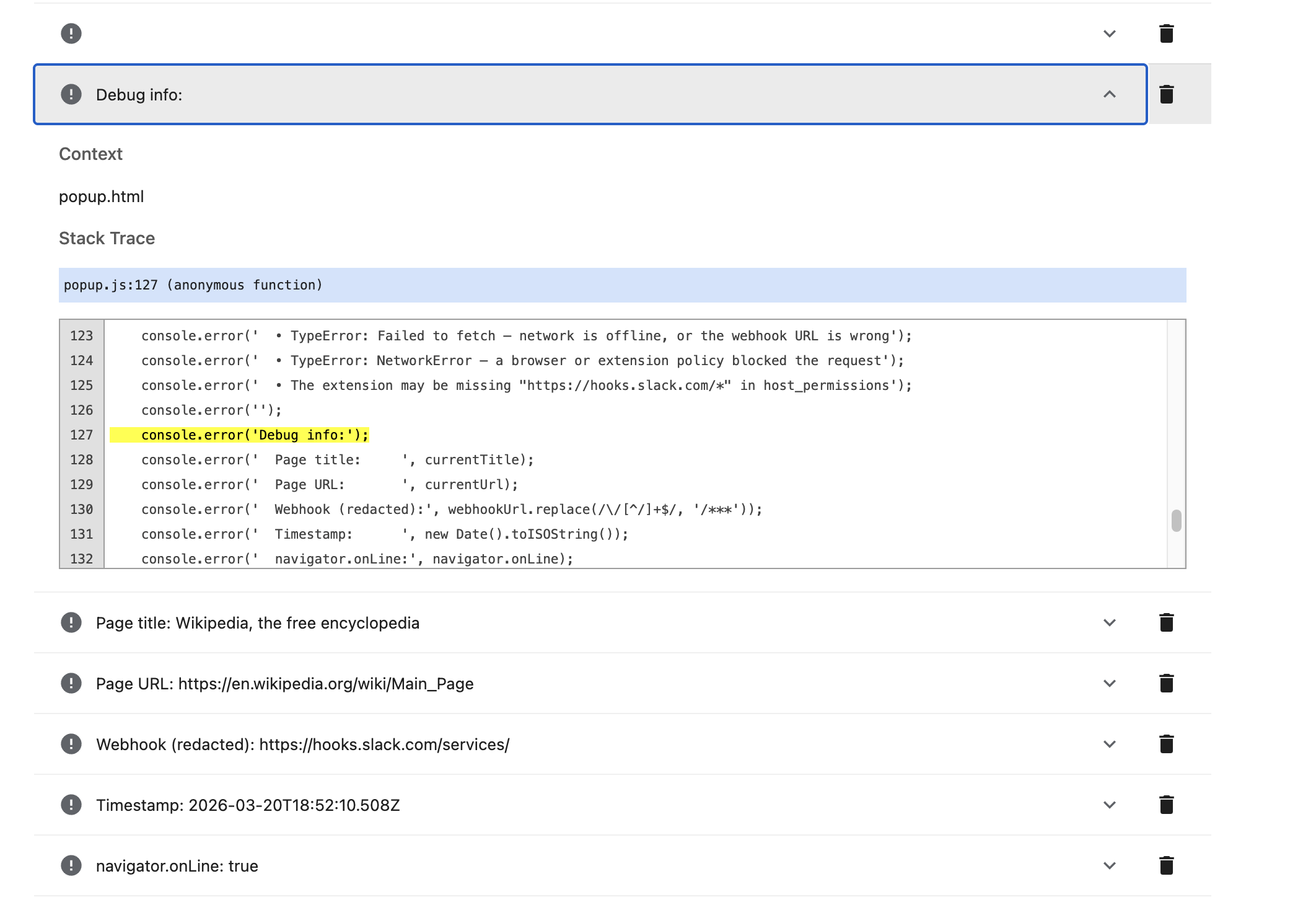
If you've never spent time in a terminal before, it's easy to feel like something is deeply broken when you're actually one small fix away.
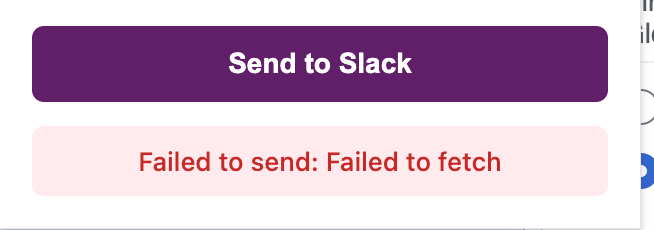
Fetch?? Am I a dog??
And then there's the debugging experience. This is the part nobody talks about enough. Claude Code is confident. Sometimes it's right to be. But when something breaks, it will sometimes tell you the problem is fixed before it actually is. It will generate a new version of the code, you'll reload the extension, the same error will appear, and Claude will have a different explanation ready.
There's no community forum for this. There's no live chat. There's no person you can send a screenshot to and say "what am I missing?" There's just Claude Code, which is doing its best, but there's a lot it doesn't get quite right.
What you end up with
If you push through all of that, you get a working Chrome extension. And there's something genuinely satisfying about that. It's yours.
But you're also now responsible for it. If Slack changes their API, you need to update it. If the Chrome manifest version changes, you need to update it.
And even more annoying...if you want to share it with your team, you need to go through the Chrome Web Store review process. If you want different teammates to have access to different Slack channels, that's a new build and new features you have to figure out how to customize.
Path 2: PixieBrix
The setup
PixieBrix is a Chrome extension platform. It lets you build browser automations and UI components (buttons, sidebars, modals) that run inside any web app, without writing or deploying code yourself.
So basically, it's a Chrome Extension for building and running your own custom extensions.
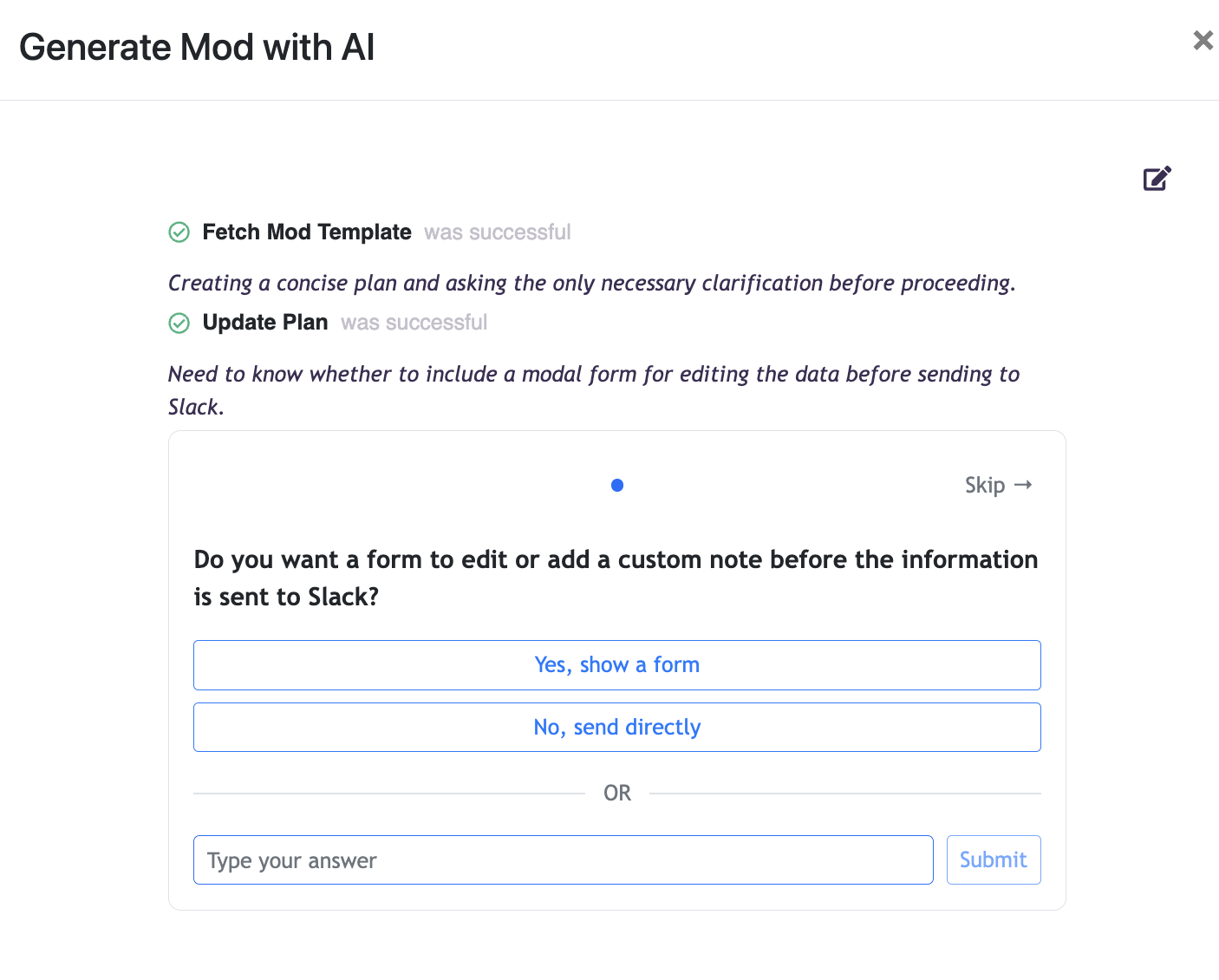
For this use case, you open the PixieBrixAI mod builder, describe what you want, and answer a few questions.
All I did was click the suggest send to slack prompt to get started.
Slack is already a built-in integration. You authenticate once and pick your channel. No API portal. No webhook URL. No tokens to manage.
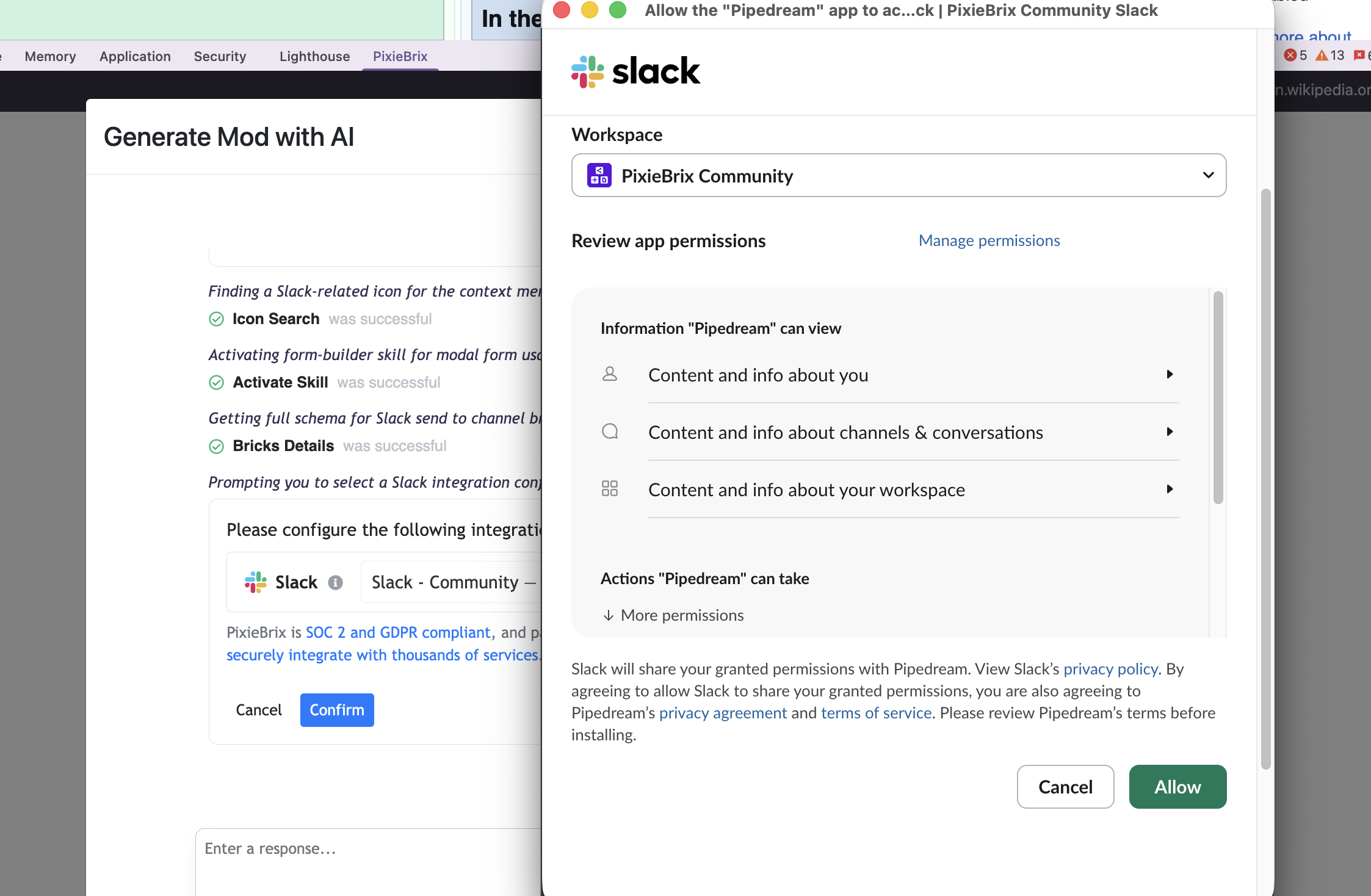
The whole setup took 2 minutes.
What's different
The Slack integration is already solved. PixieBrix has built-in integrations with 3000+ tools. You don't configure a Slack app. You don't generate a webhook. You authenticate the same way you would anytime you add an existing app to slack, just click Approve. The integration is tested and maintained.
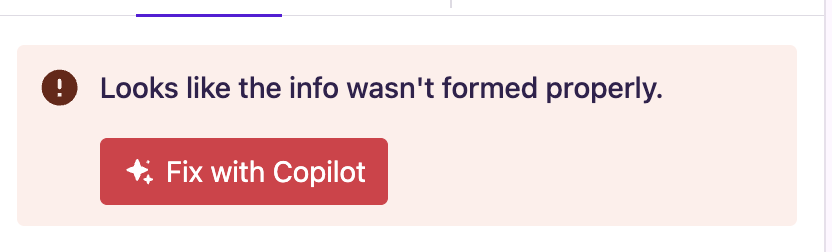
Errors are less intimidating. When something doesn't work, you're not staring at a terminal stack trace. You're in a browser-based editor with a help button and a community behind it.
Sharing is built in. Want your whole team to use this? They only have to install PixieBrix one time and join your team to get access to everything you build. You can even "force" a mod on them with our mod deployments. Want different people to send to different Slack channels? That's a config option, not a new build.
You're not maintaining a product. When Slack updates something, PixieBrix handles it. When Chrome changes something about the way extensions work, PixieBrix handles that, too. You're not responsible for keeping a Chrome Web Store listing alive.
So Which One Should You Use?
Here's the honest answer.
Use PixieBrix when:
- You want something working fast
- Your use case involves common tools (Slack, HubSpot, Google Sheets, LinkedIn)
- You want to share it with a team and manage access
- You don't want to think about hosting, maintenance, or Chrome Web Store
- You want to be able to get help from an actual community when something breaks
Use Claude Code when:
- You want to build something completely custom that PixieBrix doesn't cover
- You're comfortable in a terminal and don't mind debugging
- You want to publish it as your own product, with your own Chrome Web Store listing
- You don't need authentication or user management
Vibe coding has genuinely lowered the barrier to building Chrome extensions. But "lower" doesn't mean "gone." There's still a floor. And PixieBrix sits below that floor.
If you wanted to send a page to Slack, you don't need to read the API docs. You needed PixieBrix.
