The 20 Best Gusto Integrations to Streamline Your HR and Payroll
Gusto is one of the most popular payroll and HR platforms for small and mid-sized businesses - and for good reason. It handles payroll, benefits, onboarding, and compliance in one place, with an interface that doesn't require an HR degree to navigate.
But Gusto's real power comes from its app directory. When you connect it to the other tools your team already uses - your accounting software, your time tracker, your ATS, your expense tool - you eliminate an entire category of manual work. Data flows between systems automatically, and your team spends less time copying, uploading, and reconciling.
Here are the 20 best Gusto integrations, organized by what they help you do.
The Integration Gap Worth Knowing About
PixieBrix
These 20 integrations handle the data sync layer between Gusto and your other tools. But data flowing between systems is only part of the equation.\
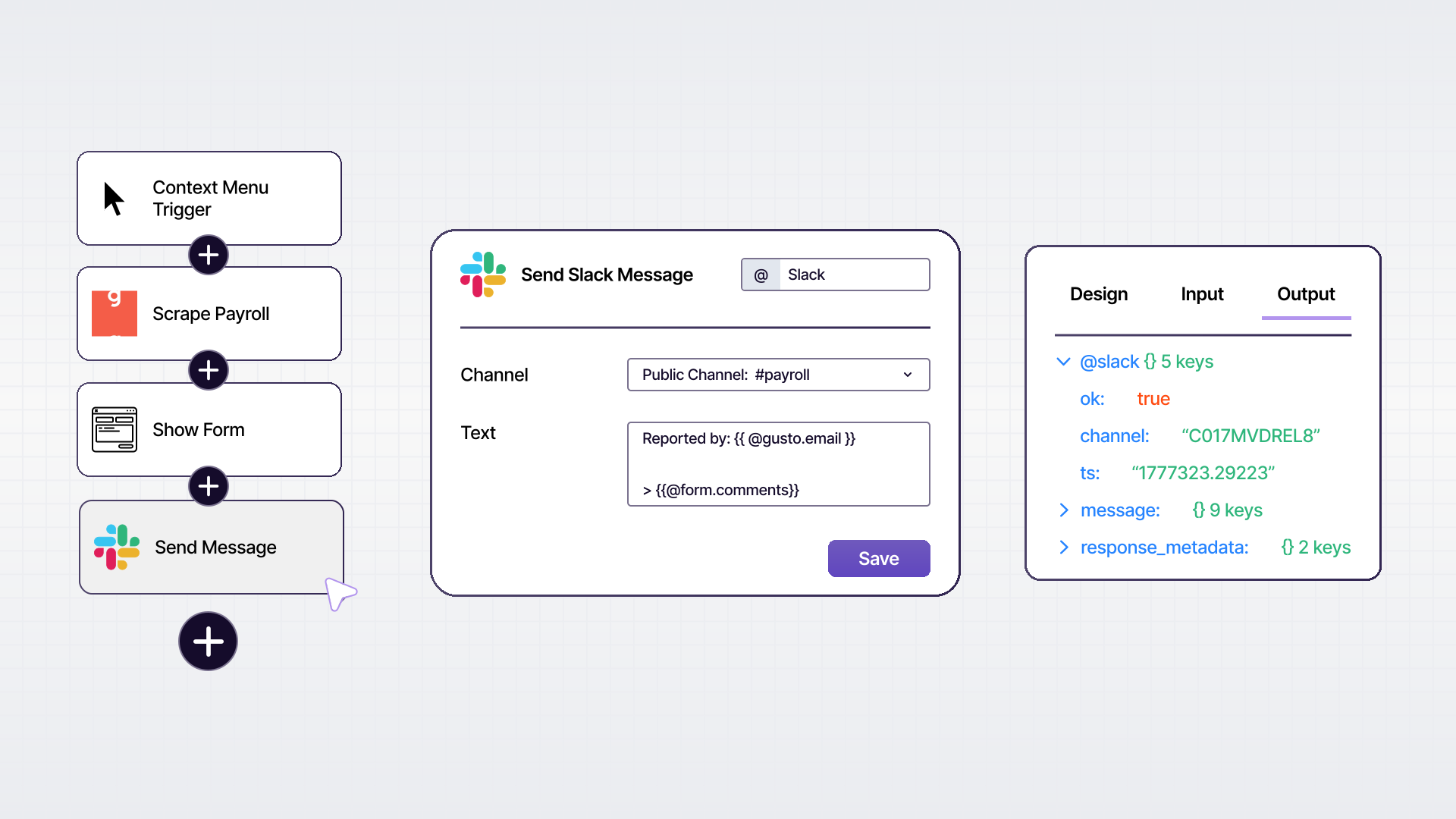
The other part is what your team actually does inside those systems - navigating between tabs, verifying data, filling in fields the integration didn't map, following multi-step onboarding processes, and cross-referencing information across tools. That's the workflow layer, and it's a separate problem from integration.
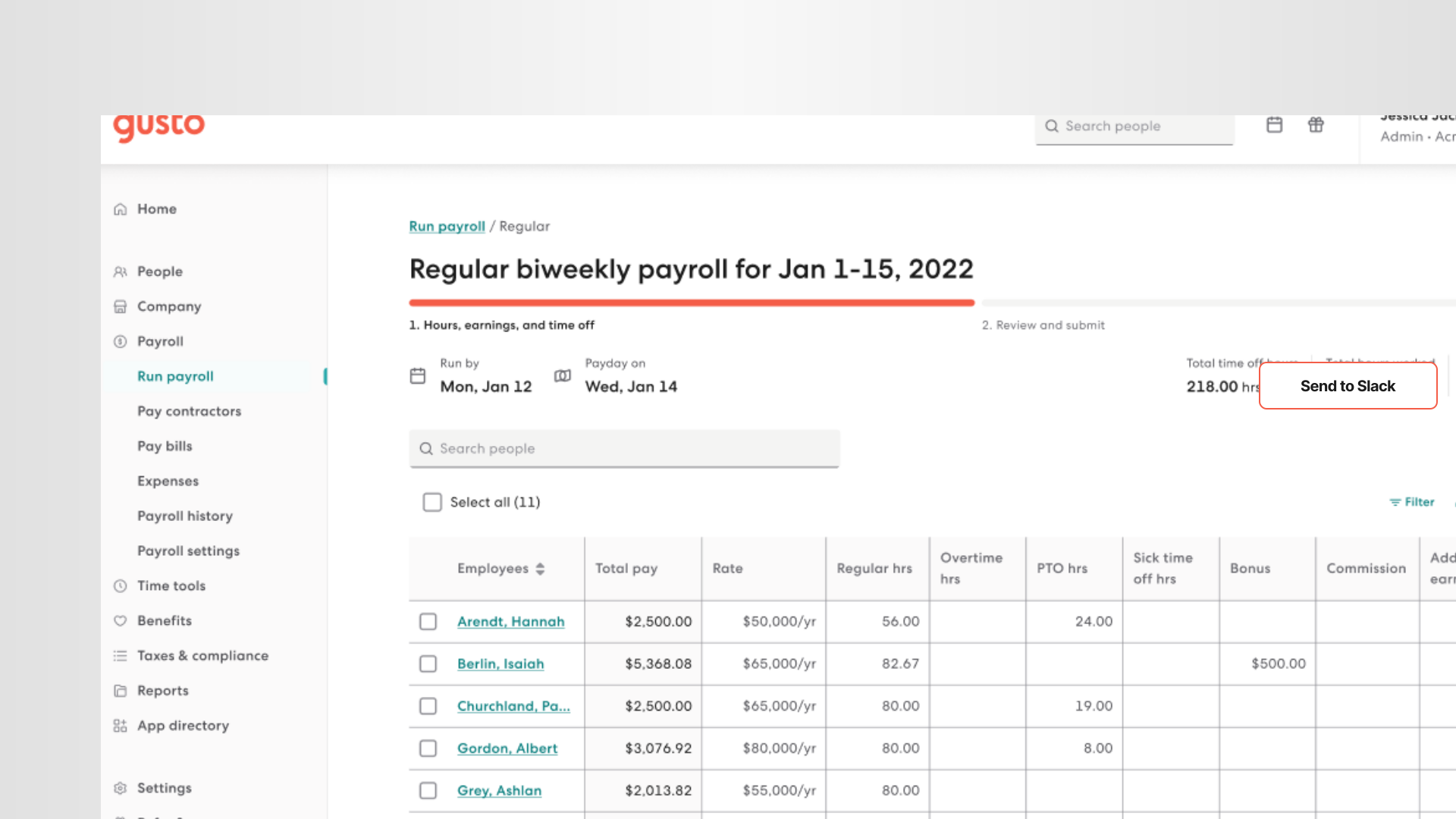
If you're finding that your team is still spending significant time on manual steps inside Gusto and the tools around it - even after setting up integrations - that's where a tool like PixieBrix comes in. PixieBrix is a browser-based automation platform that layers directly on top of Gusto and any other web app, adding AI assistance, guided workflows, and in-browser automation to the steps your people still do manually.
Accounting Integrations
1. QuickBooks Online
QuickBooks Online is the most widely used accounting software for small businesses in the US, and its Gusto integration is one of the most popular in Gusto's app directory. Every time you run payroll in Gusto, your payroll journal entries sync automatically to QuickBooks - broken down by wages, taxes, deductions, and employer contributions. No manual exports, no double entry, no reconciliation headaches at month end. If your accountant or bookkeeper works in QuickBooks, this integration is essential.

Best for: Small businesses using QuickBooks for bookkeeping and financial reporting.
2. Xero
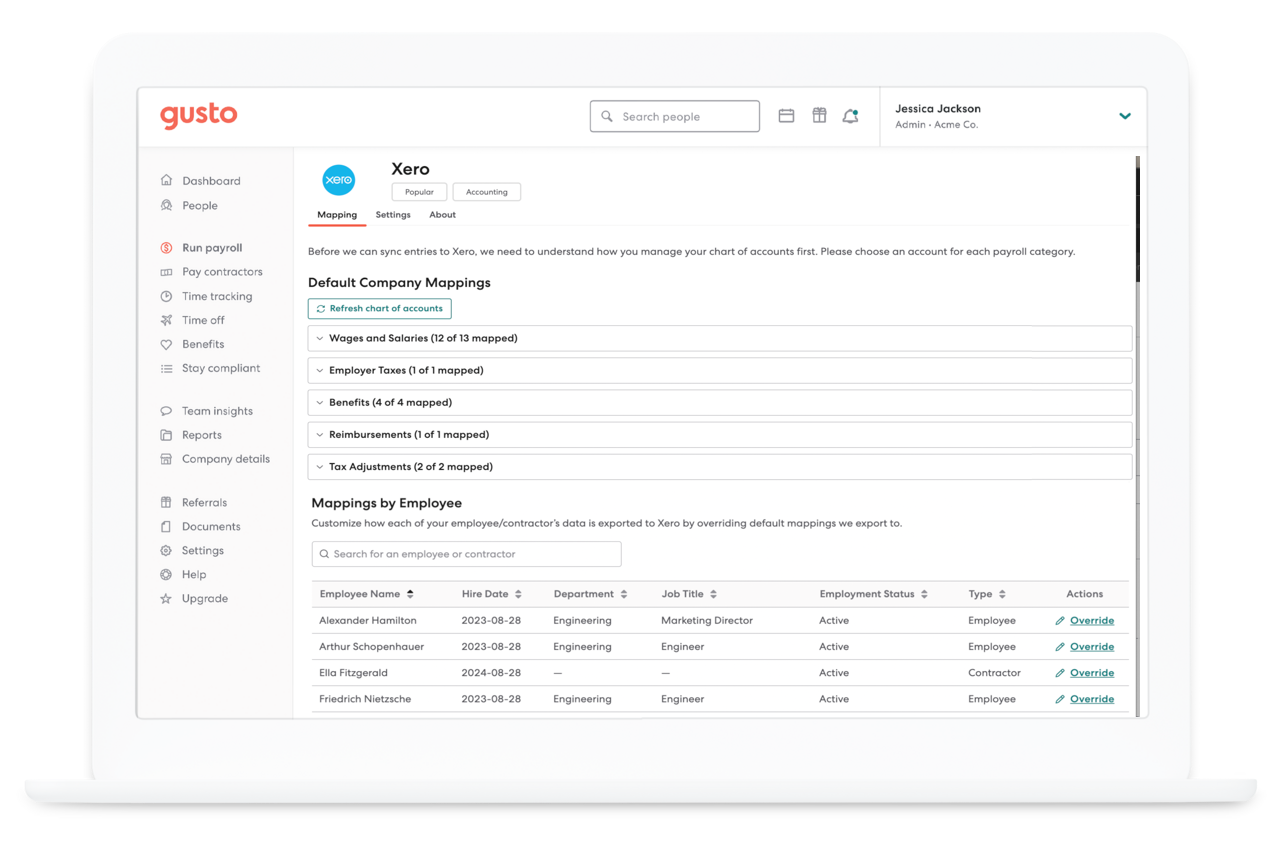
Xero is the QuickBooks alternative favored by many small businesses, accountants, and international teams. The Gusto + Xero integration syncs payroll transactions to your Xero ledger after every payroll run, with control over how much detail flows through - by employee, department, job title, or Gusto project. Xero tracking categories are supported, giving you better visibility into payroll expenses without manual tagging.
Best for: Businesses using Xero for accounting, particularly those with multi-department or multi-location payroll.
3. FreshBooks
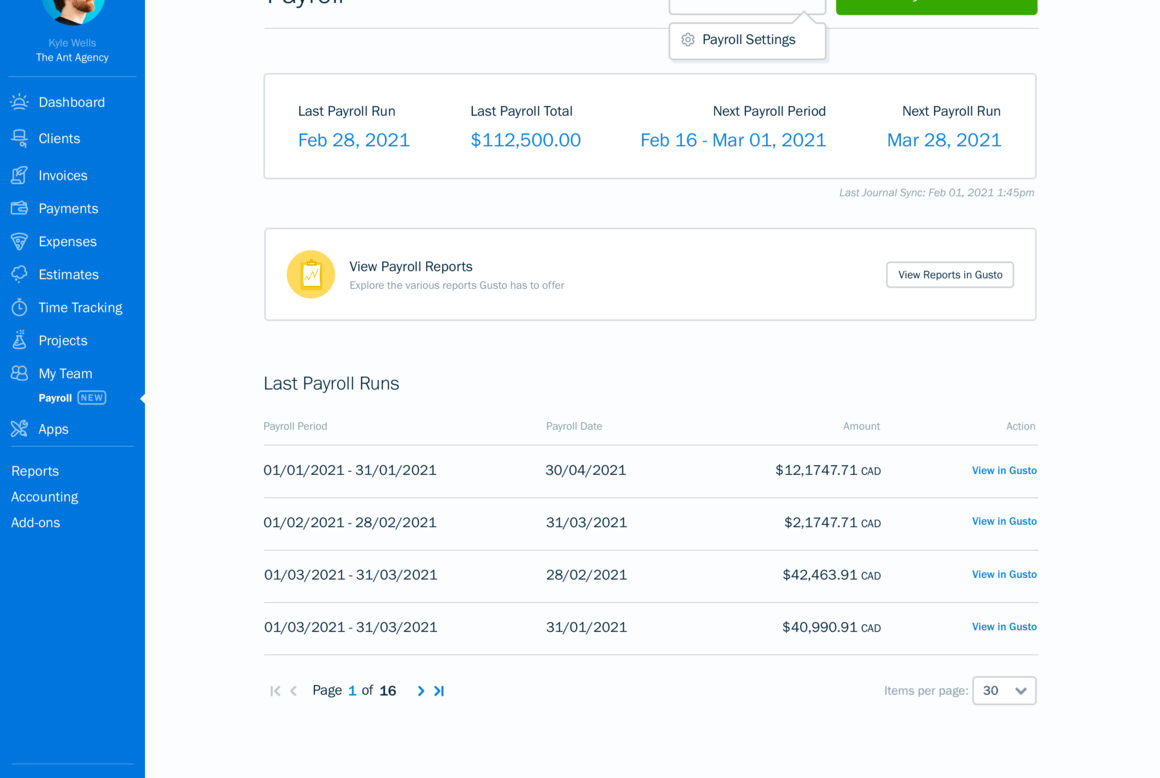
FreshBooks is a popular accounting and invoicing platform built for small businesses and freelancers. Its Gusto integration keeps your payroll data and business finances in the same place, reducing the gap between what you're paying your team and what shows up in your books. For service businesses that bill clients and manage a small team simultaneously, FreshBooks + Gusto is a natural pairing.
Best for: Small service businesses, agencies, and freelancers with employees or contractors.
4. Sage
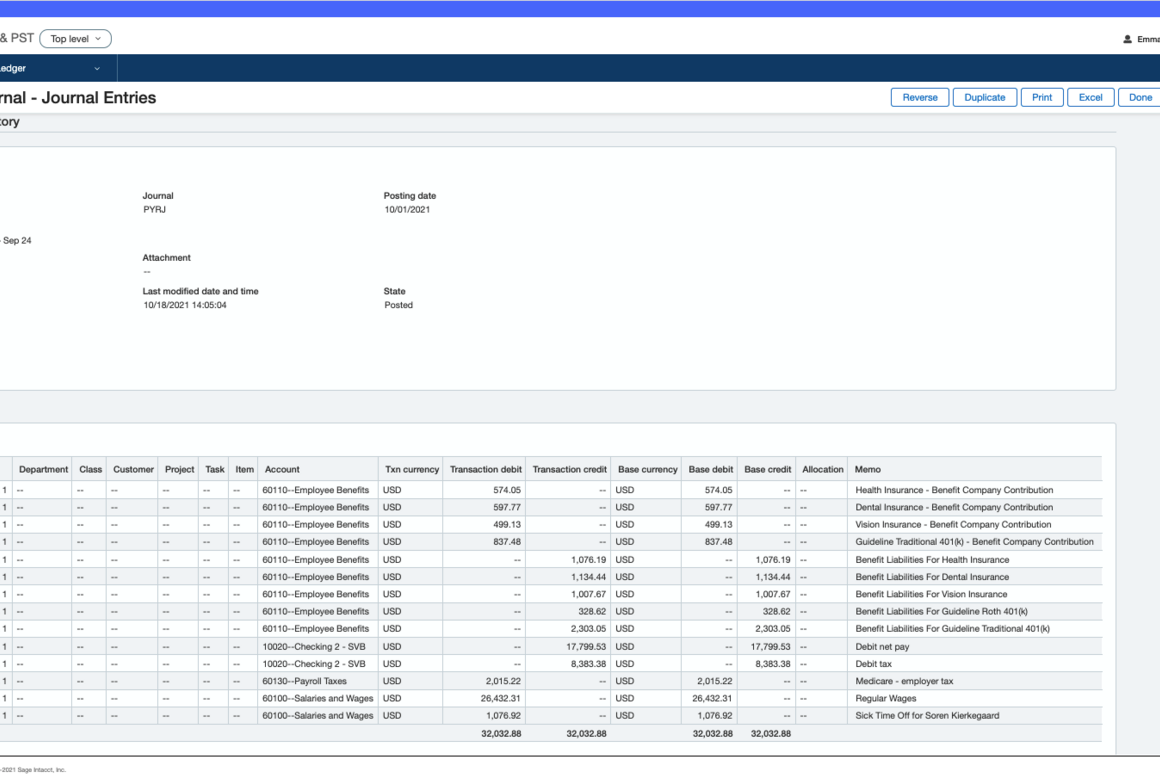
Sage Business Cloud Accounting integrates with Gusto to push payroll entries to your ledger automatically after every payroll run. You map Gusto payroll items to your Sage chart of accounts once, and from there the sync handles itself. For businesses already running Sage for accounting, this eliminates the manual step of recording payroll as a journal entry every pay period.
Best for: Businesses using Sage for accounting who want hands-off payroll reconciliation.
5. Kick
Kick is modern accounting software that helps automate your busy work so business owners and accountants can focus on what matters most. Backed by OpenAI, Kick combines a beautiful user experience with expert reviews to offer personalized books that are ready when you need them.
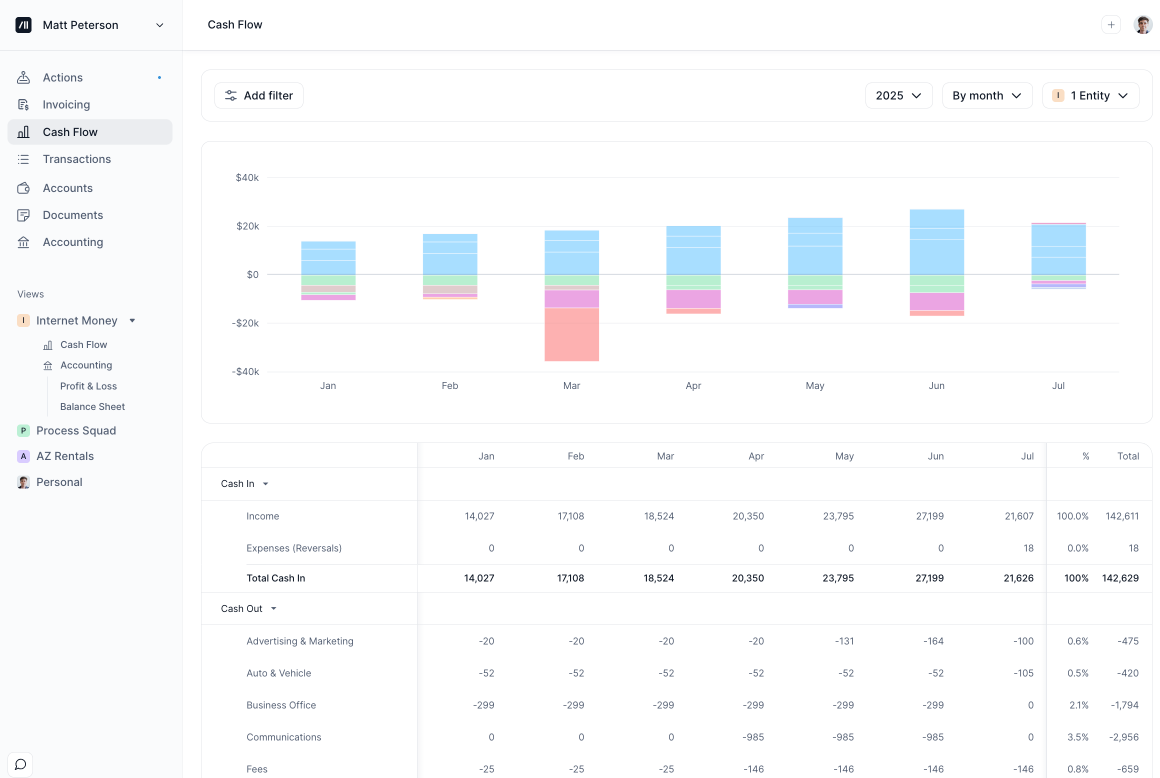
Best for: Business owners and accountants looking for real-time reporting on P&L, cash flow, balance sheet, and trial balance
Time Tracking Integrations
6. Homebase
Homebase is one of the most widely used scheduling and time tracking tools for hourly workforces - restaurants, retail, and service businesses especially. Its Gusto integration syncs employee hours, overtime, and break time directly into Gusto for payroll, eliminating the manual step of entering timesheet data. Homebase also supports multiple pay rates, which matters if your team has different pay scales across roles or locations.

Best for: Restaurants, retail, and service businesses managing hourly employees.
7. Deputy
Deputy is a workforce management platform with scheduling, time tracking, and compliance tools built for shift-based teams. The Deputy + Gusto integration syncs approved timesheets into Gusto automatically, with support for multiple pay rates, overtime rules, and PTO. For businesses with complex scheduling needs or multi-location teams, Deputy handles the shift management layer while Gusto handles the payroll layer.
Best for: Multi-location businesses, hospitality teams, and shift-based workforces.
8. When I Work
When I Work is a scheduling and time clock app popular with small and mid-sized businesses managing hourly teams. The Gusto integration pulls approved hours from When I Work into Gusto each pay period, removing the need to manually reconcile schedules and timesheets before running payroll. It also supports multiple pay rates, making it useful for teams with varied compensation structures.
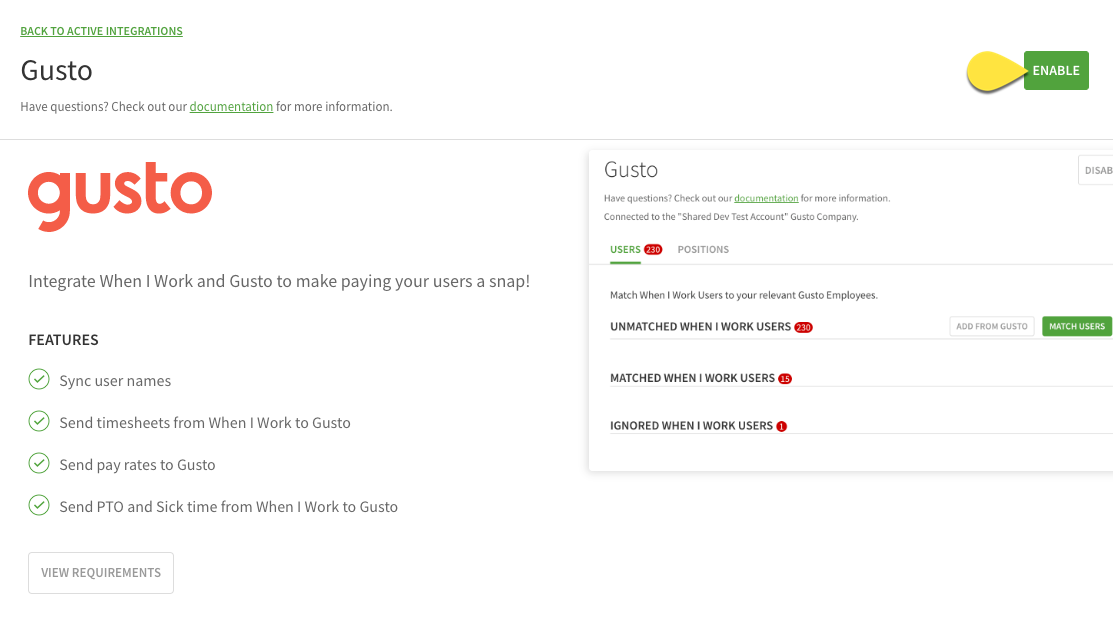
Best for: Small businesses with hourly teams who need simple, reliable time-to-payroll syncing.
9. Connecteam
Connecteam is an all-in-one platform for managing deskless and mobile workforces - think field teams, construction crews, cleaning services, and logistics workers. Its Gusto integration syncs employee hours, overtime, and job data directly into payroll, while Connecteam handles the scheduling, communication, task management, and training layer that Gusto wasn't designed to cover.
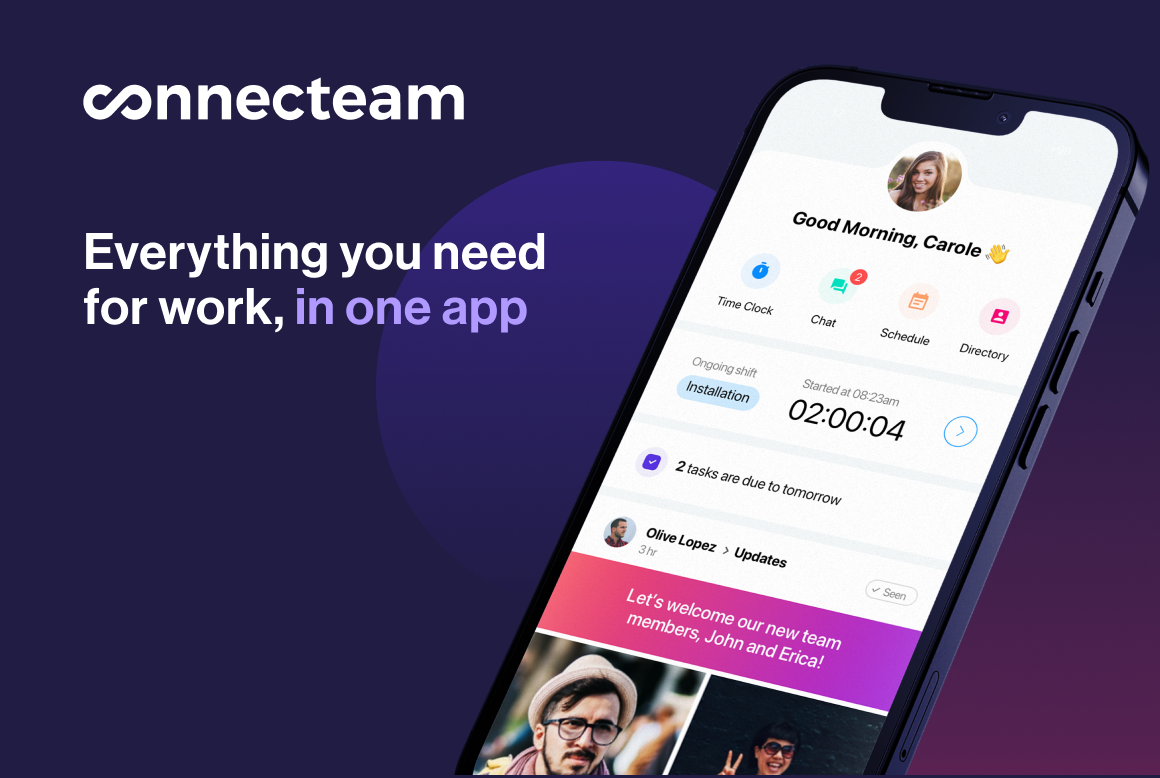
Best for: Businesses with field-based or deskless employees who need mobile time tracking.
10. Workyard
Workyard is a time tracking and job costing platform built specifically for construction, field service, and property management companies. Its Gusto integration syncs GPS-verified hours, overtime, and breaks directly into payroll - with real-time location tracking so you're not relying on manually submitted timesheets. For businesses where job costing and labor accountability are critical, Workyard is the strongest time tracking integration Gusto offers in that niche.

Best for: Construction companies, field service businesses, and property management teams.
Recruiting and Hiring Integrations
11. Greenhouse
Greenhouse is a leading applicant tracking system used by fast-growing companies and mid-market HR teams. Its Gusto integration connects the hiring workflow to the onboarding workflow - when a candidate is marked hired in Greenhouse, their information flows into Gusto to kick off the new hire process. This eliminates the data re-entry gap between your ATS and your payroll system that typically costs HR coordinators 20–30 minutes per new hire.
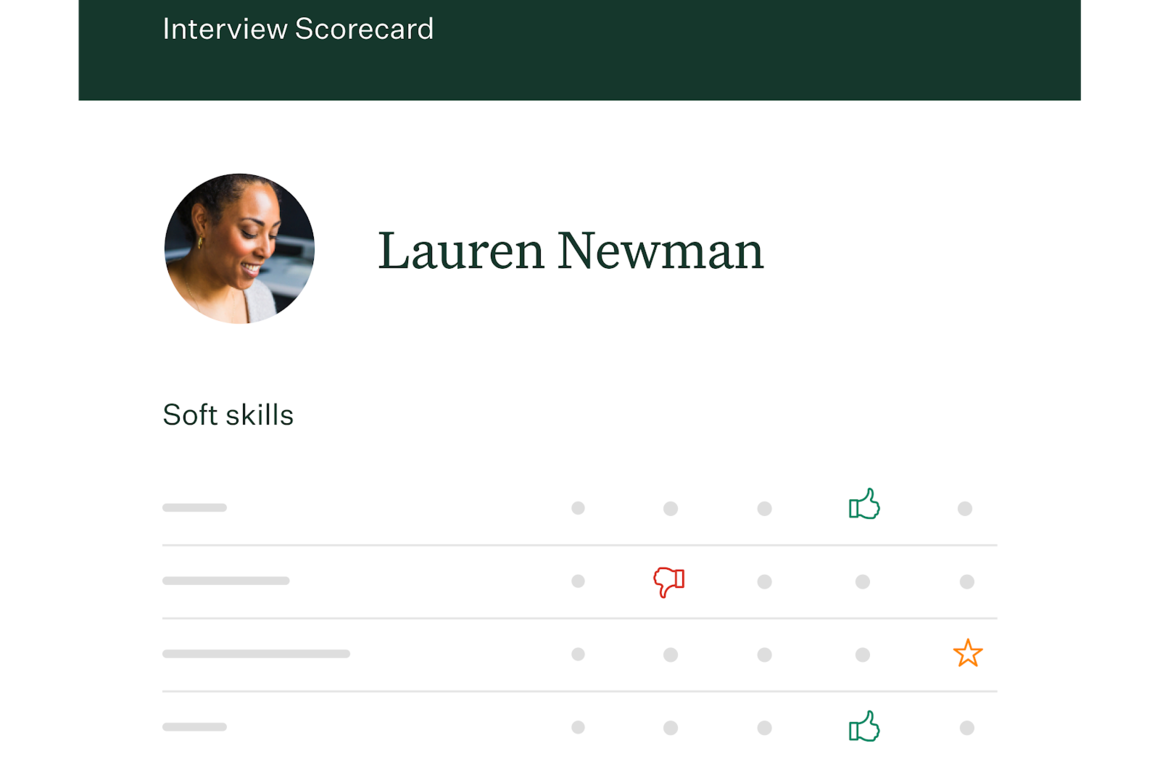
Best for: Companies using Greenhouse as their ATS who want a seamless hired-to-onboarded workflow.
12. JazzHR
JazzHR is a popular ATS for small and mid-sized businesses looking for more recruiting power than a spreadsheet but at a lower price point than enterprise systems. The JazzHR + Gusto integration moves candidate data from hired to onboarding automatically, reducing duplicate data entry and the errors that come with it.
Best for: Small and mid-sized businesses using JazzHR to manage recruiting pipelines.
13. Breezy HR
Breezy HR is a modern ATS known for its visual pipeline interface and ease of use. Its Gusto integration connects the recruiting and payroll systems so new hire data doesn't have to be re-entered manually when a candidate converts to an employee. For small teams that need both a capable ATS and a clean payroll experience, Breezy HR and Gusto are a natural combination.
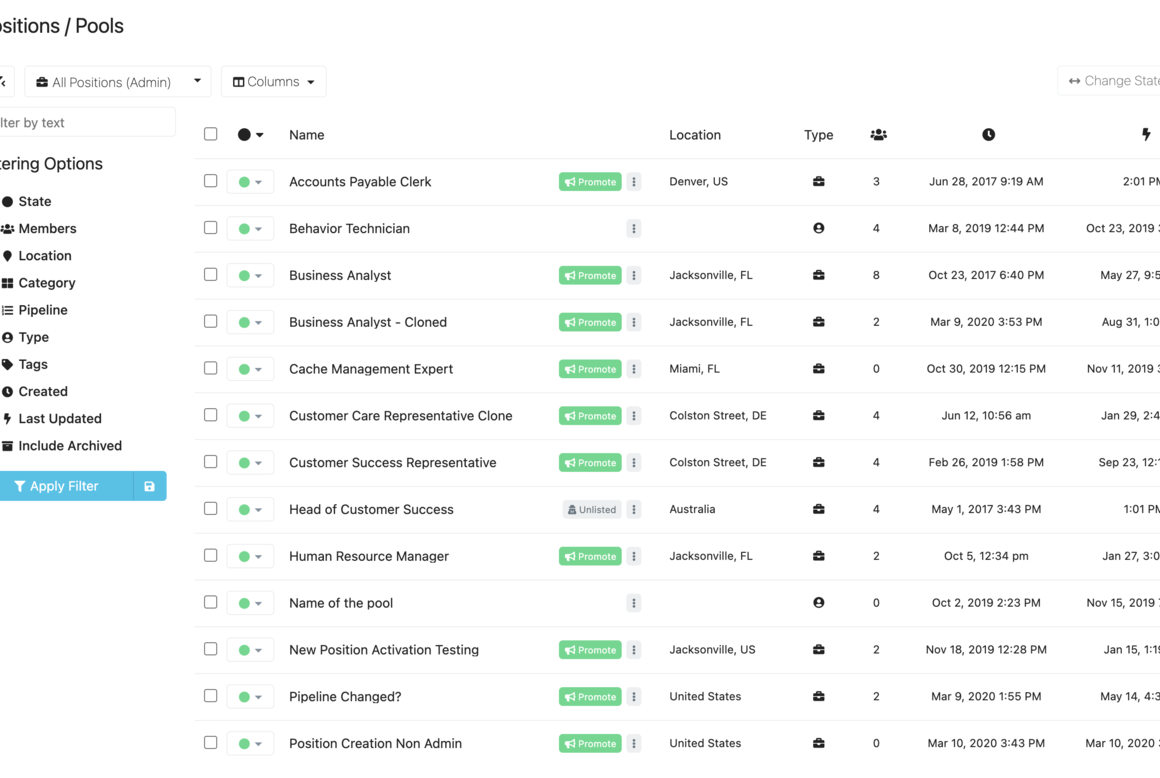
Best for: Small businesses and startups that want an intuitive ATS integrated with their payroll.
Benefits and Retirement Integrations
14. Guideline
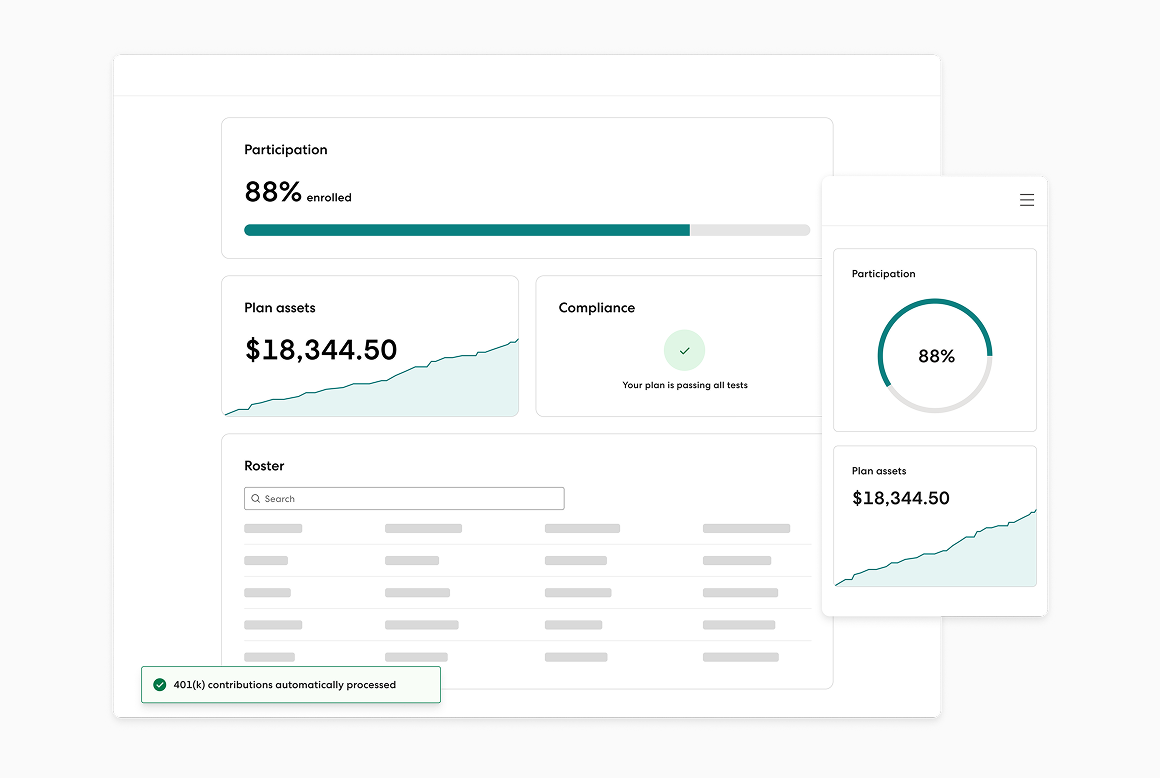
Guideline is a 401(k) provider built specifically for small businesses, and it's one of Gusto's most tightly integrated benefits partners. When you set up Guideline through Gusto, employee 401(k) contributions are automatically calculated and deducted from each payroll run - no manual contribution uploads, no spreadsheet reconciliation. Employee eligibility is tracked automatically, and enrollment changes sync in real time.
Best for: Small businesses that want to offer 401(k) benefits without a full-time benefits administrator.
15. Human Interest
Human Interest is another 401(k) provider with a direct, two-way integration with Gusto payroll. It pre-populates employee information for onboarding, automatically detects eligibility, and processes ongoing changes to contribution rates and employee details without manual intervention. For companies with more complex 401(k) needs or that want an alternative to Guideline, Human Interest is a strong option in Gusto's marketplace.
Best for: Small to mid-sized businesses offering competitive retirement benefits to attract and retain talent.
Expense Management Integrations
16. Expensify
Expensify is one of the most widely used expense management tools in the market. Its Gusto integration connects expense reimbursements with payroll, so approved employee expenses can be paid out directly through Gusto's payroll run rather than through a separate reimbursement process. This simplifies the accounting and reduces the number of payment workflows your finance team has to manage.

Best for: Businesses with employees who submit regular expense reports and want reimbursements processed through payroll.
17. Ramp
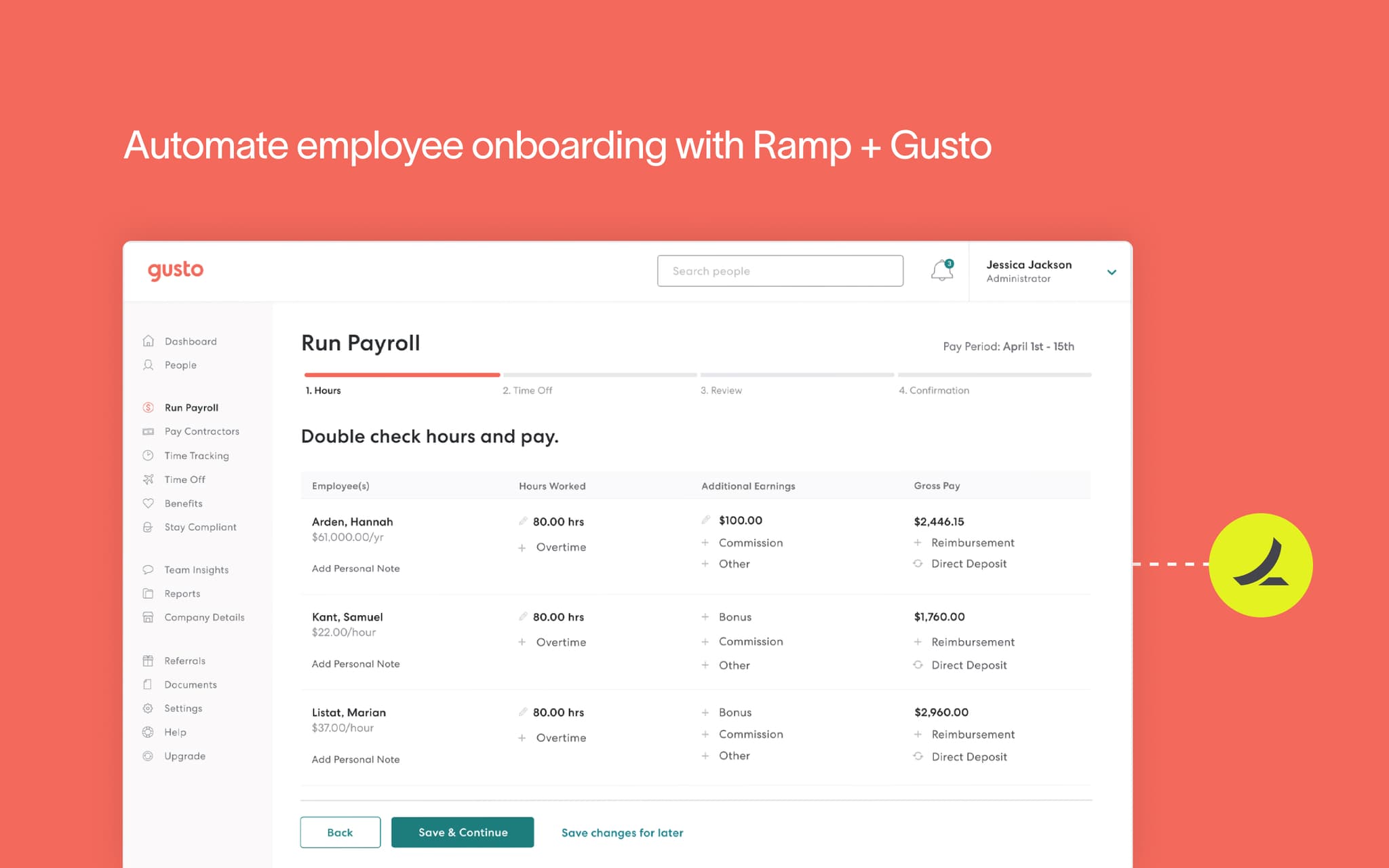
Ramp is a modern corporate card and expense management platform that has become popular with fast-growing startups and mid-market companies. The Gusto + Ramp integration connects employee data and expense workflows, keeping your team rosters and financial data in sync. As you onboard or offboard employees in Gusto, Ramp stays current - reducing the risk of former employees retaining card access.
Best for: Tech-forward companies using Ramp for spend management who want HR and finance data aligned.
Performance and Engagement Integrations
18. Lattice
Lattice is a people management platform covering performance reviews, goal tracking (OKRs), engagement surveys, and career development. Its Gusto integration keeps employee data in sync between the two platforms, so when someone gets hired, promoted, or leaves, Lattice reflects those changes automatically. For companies that want to run structured performance cycles without a dedicated HRIS, Lattice + Gusto covers a lot of ground.

Best for: Companies with 20–500 employees that want structured performance management alongside their Gusto HR foundation.
19. 15Five
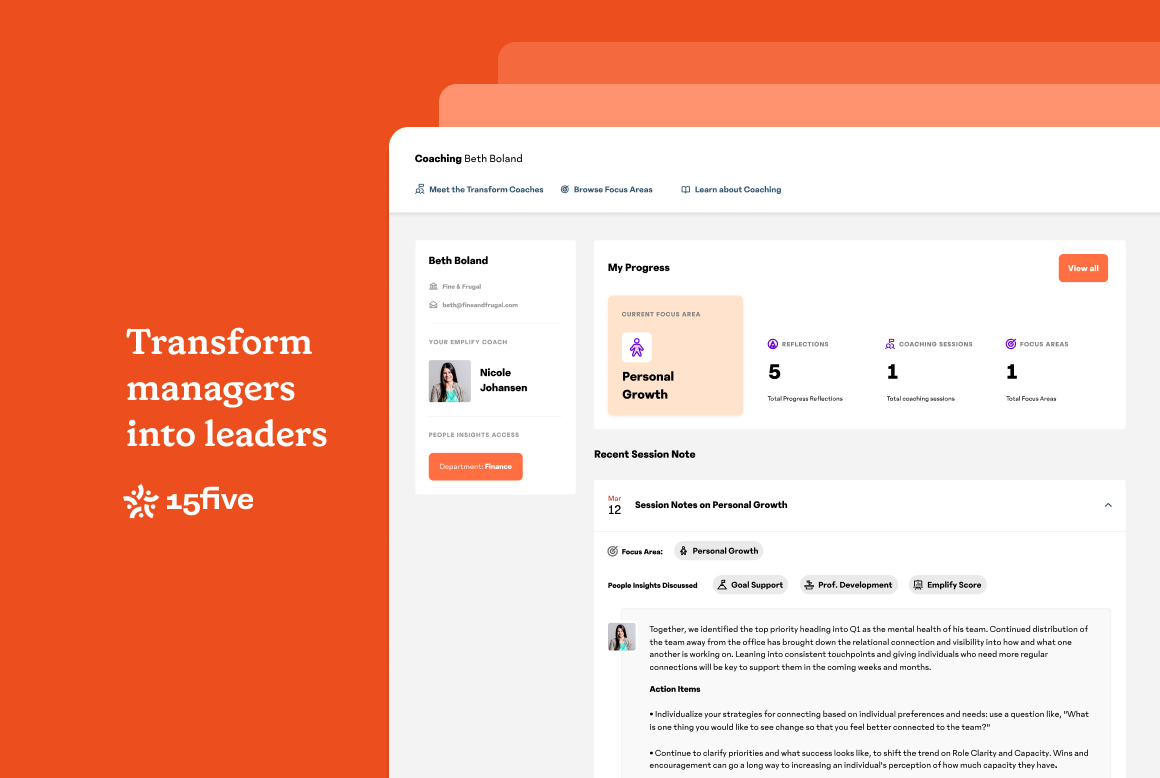
15Five is a performance management and employee engagement platform built around weekly check-ins, OKRs, and continuous feedback. Its Gusto integration syncs employee data so HR teams don't have to maintain two separate employee rosters. When someone is added or updated in Gusto, 15Five reflects the change - keeping performance cycles and engagement data tied to accurate employee records.
Best for: Remote-first and hybrid teams that prioritize continuous feedback and manager-employee alignment.
Provisioning Integrations
20. Slack, Zoom, Google Workspace, and Microsoft 365
Gusto's provisioning integrations are some of the most immediately useful in the entire app directory - and often the most overlooked. When a new employee is added to Gusto, their accounts in Slack, Zoom, Google Workspace, or Microsoft 365 can be created automatically. When an employee is terminated in Gusto, those accounts can be deprovisioned automatically as well.
For small businesses without a dedicated IT team, this eliminates a manual, error-prone process on both sides of employment. No more forgotten Slack invitations on day one. No more former employees retaining Google Workspace access because someone forgot to disable their account.
Best for: Any business using these communication tools that wants new hire and offboarding tasks handled automatically.